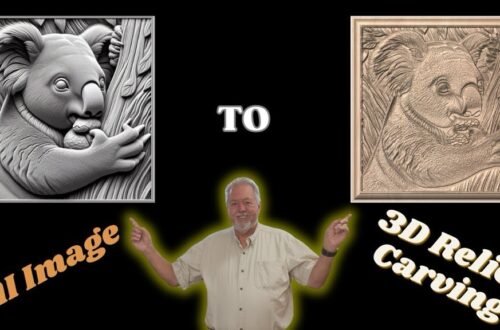
Using an Easy Create Relief Model to Make an Ornament With Vectric vCarve Pro
This is the 2nd Video in a series of how to use @vectric Easy Create software to make 3D reliefs. This video is focused on taking a 3d relief that was created in Easy Create using a prompt and creating an actual carving in vCarve. Although this video will make an ornament the same processes can be used to many 3d carved projects.
Additional videos will provide insights on other Easy Create tools and how to take projects developed in Easy Create and use them to create beautiful pieces.
The playlist for this series of videos is located here: • Easy Create Software Tip and Tricks
If you have not already seen the first video on how to Use Easy Create to Prompt and Create a 3D Relief Model you may want to watch this video first or after this video: • Easy Create Making Relief from Prompt and …
In this step-by-step tutorial, I walk you through how to take a 3D relief created in Easy Create and do the following in vCarve Pro:
👊 Bring the relief model into vCarve Pro
👊 Use clipping to exclude part of the model that will be used
👊 How to adjust the model for optimum carving
👊 How to setup the toolpaths to get the best results while carving the model