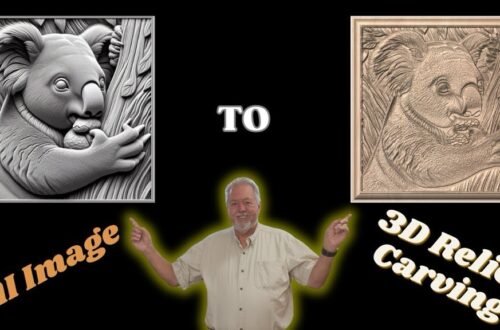
VistaSculpt 2025 Major Update Explained | New UI, Scene Explorer & STL Workflow for CNC
VistaSculpt recently released a MASSIVE software update that completely redesigned the user interface and added powerful new modeling tools — including one of the most important additions: the Scene Explorer.
In this long-form tutorial, I walk step-by-step through the NEW VistaSculpt interface on Mac, explain where everything moved, and show how to use the Scene Explorer to combine multiple models into a single composite STL file.
This workflow is a game-changer for CNC users who export relief models into Vectric vCarve or Aspire, allowing cleaner toolpaths, better model control, and fewer headaches downstream.
Vista Sculpt Tips and Tricks: • Vista Sculpt and Vectric Tips Tricks and M…
The playlist for Easy Create is: • Easy Create Software Tip and Tricks 🧰
What you’ll learn in this video:
Overview of the new VistaSculpt user interface
File, License Manager, and Help menu changes
Where to find documentation and Quick Start workflows
Image-to-Model generation
Background removal and image expansion
Real-time model refinement
Changing units from mm to inches
Generating models from prompts
Using Scene Explorer to combine multiple models
Exporting a single STL for use in Vectric software
🔗 Special Discount – This discount code is an affiliate code so if you use the discount code I will get a small commission associated with your purchase. Get 20% OFF Vista Sculpt with my code: ROBSANDSTROM20
👉 https://vistasculpt.com/shop/ @Vistasculpt
Easy Create Website Link: https://easycreate.vectric.com/ ⏱️