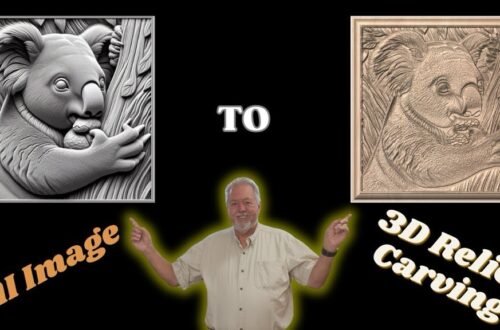
Using VistaSculpt 2d to Full 3D Model
🔗 Special Discount – This discount code is an affiliate code so if you use the discount code I will get a small commission associated with your purchase. 👉 https://vistasculpt.com/shop/ Get 20% OFF Vista Sculpt with my code: ROBSANDSTROM20 @Vistasculpt
In this video I am going to share the process of going from a 2D image into a Full 3D model that can be exported as a number of various 3D file types. I first import an image, make a couple modifications to the image, generate a 3D model and then save the file as a STL and 3MF in this video. I go step by through the process. Depending on the image you import it can be done in as easy as 3 steps.
👉 Upload the Image
👉 Generate a 3D Model from the Image
👉 Export the 3D Model in the file of your choice (stl; glb (with texture); OBJ (with texture); PLY; 3MF; DAE)
Follow through and you can easily do this. I have used the 3D files I made in my Bambu x1C pinter and in Aspire and Vectric Software.
If you haven’t seen my previous VistaSculpt Videos check out this playlist: • Vista Sculpt Tips Tricks and Model Designs