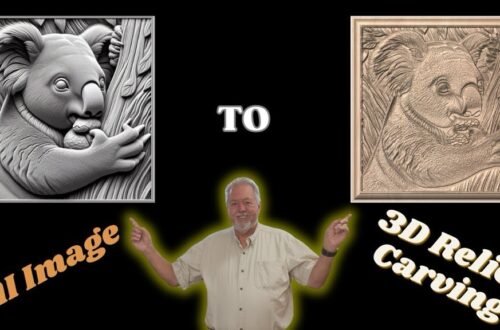
Vista Sculpt Tutorial: Create 3D Models from Photos & AI + Export Vectors | Step-by-Step Guide
Learn how to use Vista Sculpt software to create stunning 3D models from both AI-generated images (MidJourney) and real photos taken on your iPhone. In this step-by-step tutorial, I’ll walk you through:
✅ Using Vista Sculpt’s AI tools to build 3D models
✅ Importing your own photos (AI images & iPhone pictures)
✅ Exporting models for 3D printing and CNC carving
✅ Generating 2D vectors (outline & centerline) for laser cutting and CNC projects
✅ Workflow tips for woodworking, engraving, and digital design
💡 Whether you’re a maker, woodworker, or digital artist, this video shows exactly how to take an image and turn it into a 3D (or 2D) asset you can actually use.
🔗 Special Discount Get 20% OFF Vista Sculpt with my code: ROBSANDSTROM20
👉 https://vistasculpt.com/shop/ @Vistasculpt